




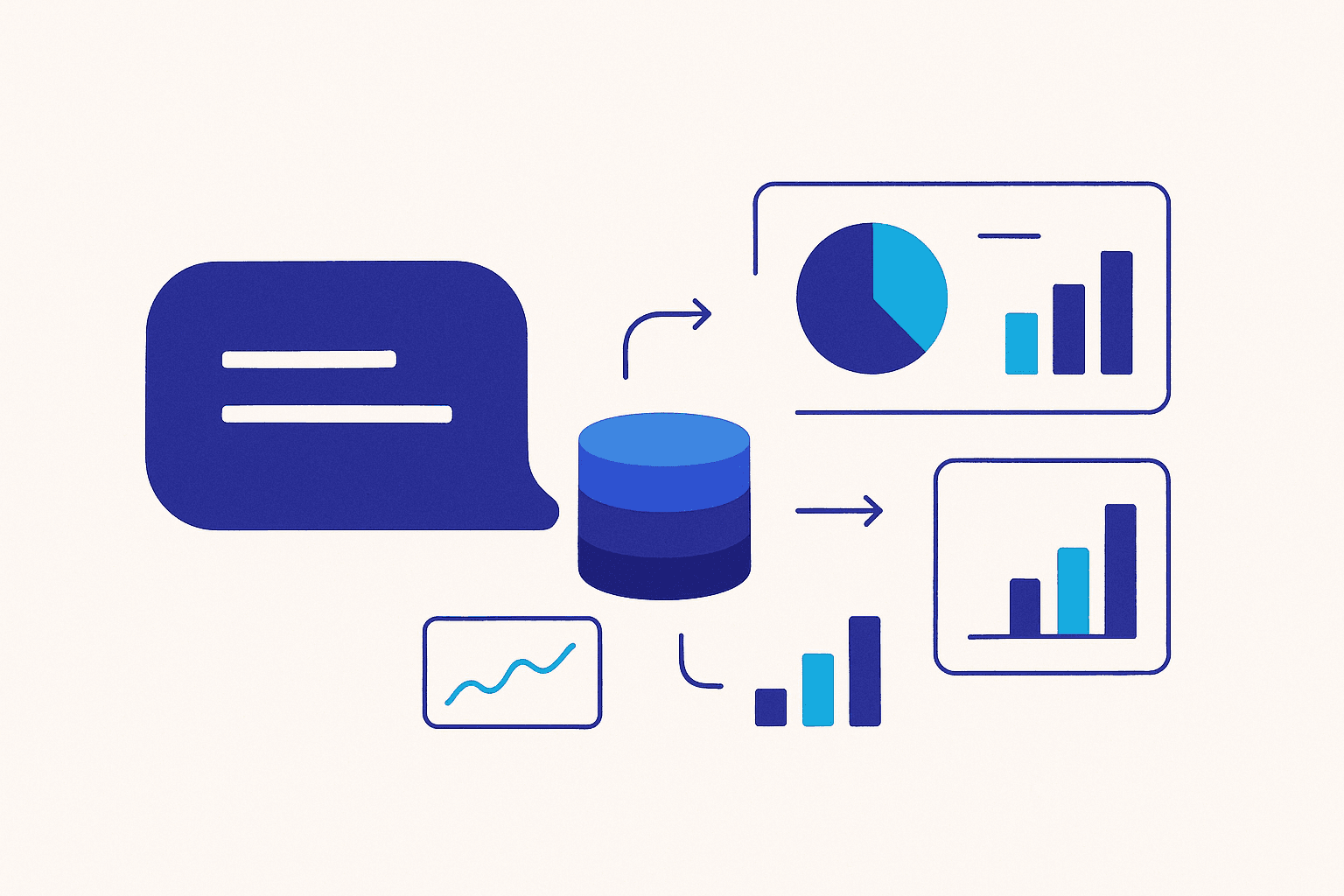
Natural language to SQL is a technology that translates a plain-English question—like “Which products sold the most last quarter?”—into a valid SQL query, runs it against your database, and returns the answer. Instead of learning syntax or waiting on a data team, anyone can simply ask. This is what people mean when they talk about “chatting with your database”: you type a question, an AI model writes the query for you, and you get rows, a chart, or a number back in seconds.
Below we explain how it works, where it helps, what its limits are, and how to adopt it without putting your data at risk.
What does “natural language to SQL” actually mean?
SQL (Structured Query Language) is the standard language for asking questions of relational databases. It is precise but unforgiving: a misplaced join or a misspelled column name returns an error or, worse, a wrong number. Natural language to SQL closes that gap. An AI model reads your question, understands the intent, inspects the database structure, and produces the exact query needed to answer it.
The result is that a marketing manager, a clinician, or a site engineer can interrogate data directly, without filing a ticket and waiting days for a report.
How does chatting with your database work?
A good natural-language-to-SQL system follows a few steps under the hood:
- Schema understanding: the tool reads your tables, columns, and data types so it knows what exists before it writes anything.
- Relationship resolution: it figures out how tables connect—foreign keys and joins—so “revenue by customer” correctly links orders to customers.
- Query generation: the AI converts your intent into SQL tailored to your specific database engine.
- Execution and display: the query runs, and the answer comes back as a table, a number, or a visualization.
Tools like iDBQuery by Intrazero handle these steps automatically. iDBQuery offers schema auto-detection and AI-driven join and foreign-key resolution, so you do not have to map relationships by hand. You can learn more on our natural language database query solution page.
Which databases can you connect?
The real value appears when one tool reaches every source you use. iDBQuery connects to MySQL, PostgreSQL, Oracle, SQL Server, Snowflake, BigQuery, Databricks, and MongoDB, as well as Excel, CSV, and Google Sheets. That means you can ask a question that spans a warehouse and a spreadsheet and get one answer—without exporting and merging files manually.
What about cross-source reporting?
Because data is rarely in one place, iDBQuery supports cross-source dashboards. You can blend results from, say, a PostgreSQL production database and a Google Sheet of targets into a single view, then keep asking follow-up questions in plain language.
Is it safe to let AI query my database?
This is the right question to ask, and the answer depends entirely on how the system is built. Safety comes from constraints, not trust. iDBQuery uses read-only connections, so the AI can retrieve data but cannot modify, delete, or drop anything. Connections are also encrypted, protecting data in transit.
Read-only access matters because it removes the worst-case outcome: no generated query can ever change your records. The model is free to explore and answer, while your production data stays exactly as it was.
Where does natural language to SQL help most?
The pattern is useful anywhere people need answers faster than a reporting backlog allows:
- Operations and finance: ad-hoc questions about revenue, inventory, or churn without waiting on an analyst.
- Healthcare and education: administrators pulling enrolment, attendance, or outcome data on demand.
- Construction: Intrazero also builds SiteMind, which applies the same query-by-language idea to construction data, including BIM/IFC models—so teams can ask questions of building information directly.
How accurate is the generated SQL?
Accuracy depends on three things: how clearly you phrase the question, how well the tool understands your schema, and how clean your data model is. This is why schema auto-detection matters so much—when the system already knows your tables, columns, and relationships, it has far less room to guess wrong. Vague questions like “show me the good customers” produce vague queries; specific ones like “list customers with more than five orders in 2024” produce reliable SQL.
A practical habit is to keep the generated SQL visible. Reading the query the AI produced—even briefly—lets you confirm it joined the right tables and applied the filters you meant. Over time you will trust the common question patterns and only scrutinize the unusual ones.
How to get started
Adopting natural language to SQL is low-risk when you start small. Connect one read-only database, ask the questions your team asks most often, and check the generated SQL until you trust the results. Because iDBQuery offers a free tier of 1M tokens per month, you can validate it against real questions before rolling it out widely.
Frequently asked questions
Do I still need to know SQL?
No. The point of natural language to SQL is that you ask in plain language. Knowing SQL helps you sanity-check the generated query, but it is not required to get answers.
Will it work with my existing database?
If you use a mainstream engine—MySQL, PostgreSQL, Oracle, SQL Server, Snowflake, BigQuery, Databricks, or MongoDB—or even Excel, CSV, and Google Sheets, iDBQuery can connect to it directly.
Can it accidentally change my data?
No. With read-only, encrypted connections, the system can read your data to answer questions but cannot write to or alter it.
Talk to your data, not your data team
Natural language to SQL turns the database from a specialist tool into something everyone on your team can use. With schema auto-detection, automatic join resolution, broad connectivity, and read-only safety, iDBQuery lets you chat with your database and get trustworthy answers fast. Contact Intrazero to see how it fits your stack, or start on the free tier today.
Mohamed Adel
Contributor