




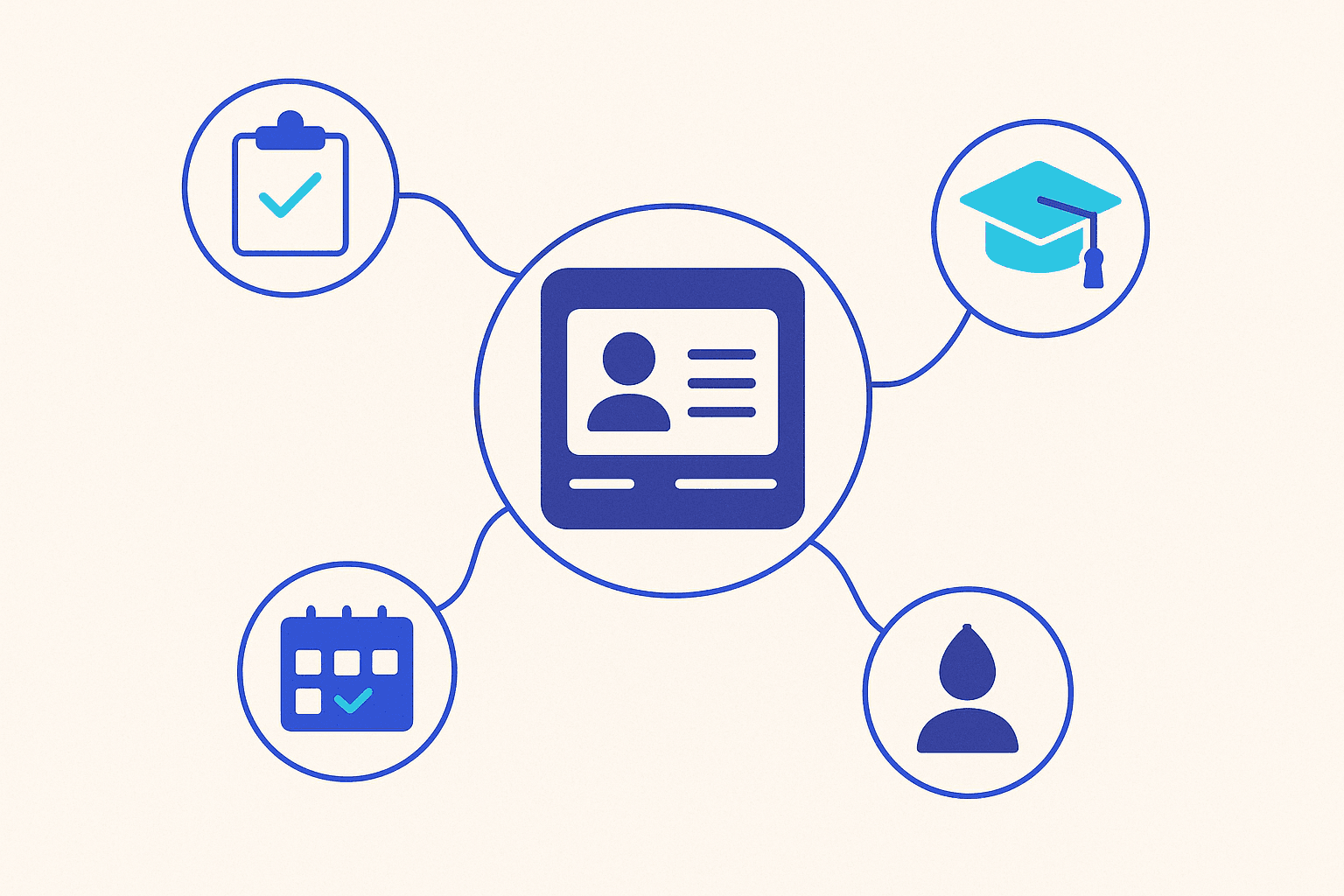
To choose a student information system (SIS), map your institution's full student lifecycle first, then shortlist platforms that cover it end to end, integrate with your existing tools, meet data-protection law, and fit how your staff actually work. The right system is the one that removes manual re-entry across admissions, academics, finance, and reporting, not simply the one with the longest feature list. This guide walks through exactly how to choose a student information system that will still fit you in five years.
What a student information system actually does
A SIS is the system of record for everyone enrolled at your institution. It stores and connects student data across the entire journey, from the first application to graduation and beyond. A strong SIS typically handles:
- Admissions and enrollment — applications, document collection, acceptance, and registration.
- Academics — course catalogs, scheduling, attendance, grades, and transcripts.
- Finance — tuition, invoicing, fees, and payment tracking.
- Communication — notifications to students, parents, and staff.
- Reporting — dashboards and compliance reports for leadership and regulators.
If a platform only covers a slice of this, you will end up bridging the gaps with spreadsheets and duplicate data entry, and that is exactly the manual work a SIS is meant to eliminate. Before you compare any products, write down each stage your students pass through and who touches their data at each step. That single document becomes your scorecard: any system that cannot cover a stage is creating a future silo.
How to choose a student information system: the core criteria
1. Coverage of the full lifecycle
The single biggest cost driver is fragmentation. Prioritize a system that spans the complete enrollment-to-alumni lifecycle in one platform so a student record flows from admission to graduation without re-keying. Intrazero's iStudent, for example, is built around that full lifecycle rather than a single phase.
2. Fit for your institution type
A K-12 school, a university, and a training center have different rules, terminology, and reporting needs. Confirm the SIS supports your model. iStudent serves K-12 schools, higher-education institutions, and training centers, so the same platform can grow with a group that runs more than one type of program. If you are specifically standing up a higher-ed deployment, review our university management system to see how the pieces connect.
3. Integration, not isolation
Your SIS will never be your only system. You almost certainly run a finance package, an LMS, an HR tool, or government reporting portals. Ask how the vendor handles integration before you ask about features. iStudent ships with iMiddleware, an integration layer that connects it to other systems, so data moves automatically instead of being exported and re-imported by hand.
4. Data protection and compliance
You are holding minors' and adults' personal data, so compliance is non-negotiable. Confirm the platform aligns with the regulations that apply to you, such as GDPR in Europe and FERPA for US student records. iStudent is built to meet both GDPR and FERPA requirements.
5. Deployment model and language
Decide early whether you need cloud, on-premise, or the option to switch later. Cloud lowers IT overhead; on-premise gives you direct control where local rules or policy demand it. iStudent supports both, and offers full Arabic and English interfaces, which matters for institutions operating in bilingual or right-to-left environments.
The questions to ask every SIS vendor
- Data ownership and exit: If we leave, do we get a complete, usable export of our data?
- Total cost: What is included in the license, and what costs extra (modules, integrations, support tiers, training)?
- Implementation timeline: Who migrates our existing records, and how long does onboarding realistically take?
- Roadmap and support: How are updates delivered, and what response times does support guarantee?
- Security: How is access controlled by role, and how is data encrypted and backed up?
Mistakes that make a SIS purchase fail
Three patterns cause most regrets. First, buying for today only — picking a tool that fits this year's enrollment but cannot handle a new campus, program type, or country. Second, ignoring integration until after signing, then discovering data has to be moved by hand. Third, underestimating change management — even the best SIS fails if staff are not trained and the rollout is rushed. Build all three into your evaluation, not your post-mortem. A practical safeguard is to run a short pilot with real data and the staff who will use the system daily, rather than relying on a polished sales demo. What feels effortless in a controlled demo can expose friction the moment your own enrollment data and edge cases are involved.
Frequently asked questions
What is the difference between a SIS and an LMS?
A SIS is the system of record for student data and administration (enrollment, grades, finance, reporting). An LMS focuses on delivering and tracking learning content. They are complementary, which is why integration between them matters.
Should we choose cloud or on-premise?
Cloud reduces infrastructure and maintenance effort and is the default for most institutions. Choose on-premise when data-residency rules or internal policy require you to keep data on your own servers. A platform that supports both, like iStudent, keeps the option open.
How long does it take to implement a new SIS?
It depends on your size, data quality, and integrations. The honest answer is that data migration and staff training, not the software itself, set the timeline, so ask vendors for a concrete, staged plan.
Choosing with confidence
The best way to evaluate a SIS is against your own lifecycle, integrations, and compliance needs rather than a generic checklist. If you want to see how a full enrollment-to-alumni platform with built-in integration would map to your institution, talk to the Intrazero team and request a walkthrough of iStudent.
Abdulrahman Sayed
Contributor